Your Agent Signed In Successfully, And Has Been Failing Ever Since
A connection that authenticates now can still fail silently hours later. Four separate reports, and five checks for whether your system would catch it.

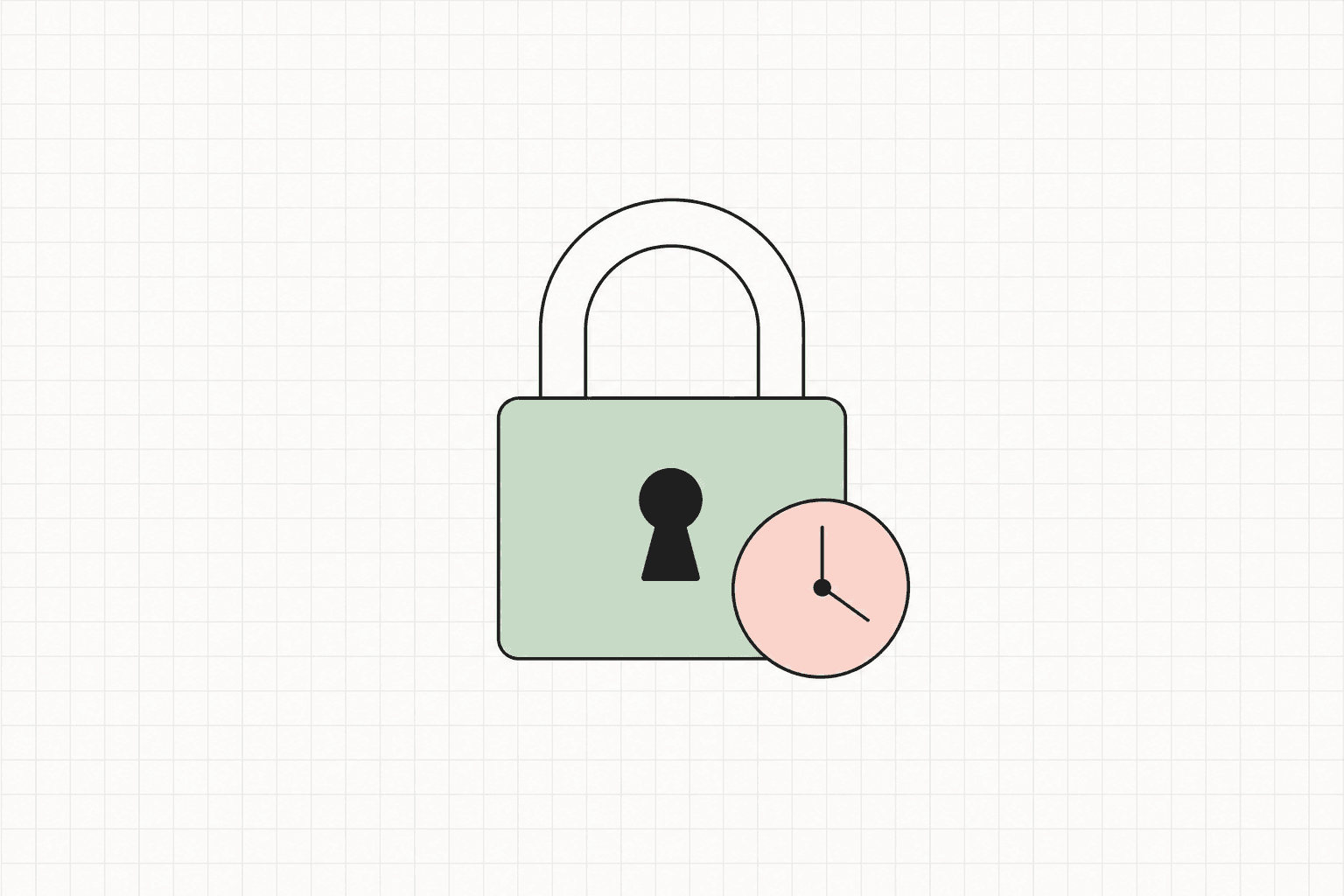
The sign-in worked. The connection shows connected, or active, or ok, whichever word your dashboard uses for the state that means don't worry about this one. Eight hours in, the access token behind it expires, and every run after that fails. By the next morning it has been failing for hours, and the dashboard still says the same reassuring word it said at minute one. Nobody was told. The failures just piled up in the run queue, looking like any other failed run in it.
The interesting question is not that a connection to an AI provider can expire. Tokens expire; that is what makes them tokens. The question is why the system watching it can say connected the next morning for the same reason it said connected at minute one: it was never checking anything that could have come back false.
Several people have reported this failure against Paperclip over the past few weeks, filing separately and describing it from different angles. They converge on the same thing: a provider connection that signs in cleanly, works for a few hours, and then fails on every run after, with its own status field still reporting connected the whole time (#13725).
What is actually happening
The shape underneath this failure is an OAuth pair split in two. Signing in to a provider normally returns two tokens: a short-lived access token that does the work, and a longer-lived refresh token that mints a new access token when the first one expires. A connection that keeps only the first one has a shelf life measured in hours and no way to extend it. It will authenticate cleanly today and fail identically, and silently, on every run after its access token's lifetime runs out. Nothing broke; the piece that was supposed to renew it was never captured in the first place.
That distinction, access token stored, refresh token discarded, is exactly the shape those reports converge on for one specific provider connection: the credential comes back from sign-in, the platform keeps the part that runs the next request, and the part that would have kept the connection alive past its first few hours is never written down. A separate provider connection on the same platform captures both halves and keeps working past that same window, which is what makes this a specific, addressable gap rather than a property of provider tokens in general.
A status field that can only say yes is not a check
A connected label that flips to disconnected only when a human manually breaks the connection is not reporting the state of the credential. It is reporting whether a connection object exists.
The distinction that matters is between a document that lists what a system contains and a document that states what is genuinely enforced. A list of controls says: token storage, present. Connection status, present. Both are true, and both were still true while those connections were failing on every run. Nothing on that list is wrong. The queue still doesn't move.
A statement of what is genuinely enforced is written differently. For every credential the system holds, it names the credential's expiry, names what is supposed to renew it, and names the check that would show renewal actually happened: a request made in the last few minutes that came back without an auth error, not a status field that was set once at sign-in and never revisited. That last part is the whole difference. "Sign-in succeeded" has no failing state after its first few minutes. It will report clean the next morning for the same reason it reported clean at minute one, because nothing about it was ever capable of coming back false, and a check that reports clean is only evidence if it was capable of reporting otherwise.
Not the same failure as a rate limit that already cleared
This is easy to conflate with a rate limit that already cleared, because both show up as an agent quietly not working. They are opposite failures.
A rate limit is a condition that resolves on its own; the defect there is a recovery path that exists but never gets reached, so a wait that should have ended on schedule instead sits blocked until a person clears it by hand. A cleared limit is not the credential's fault, and nothing about the credential needs checking.
An expired, unrefreshable connection is the reverse. Nothing resolves on its own, because there is nothing scheduled to run: no renewal was ever going to fire, at any hour, because the value it would have renewed from was never stored. The fix is not a routing repair between an error and a handler that already exists. It is capturing the second half of a credential that today only half gets kept.
What to check in your own system
None of this needs those reports or the platform behind them. Five passes over your own connections.
- List every credential your agents hold, and write down each one's expiry mechanism next to it. Not "it's a token," the actual answer: what value it holds, what refreshes it, and where that refresh value is stored. A credential with no second answer is a credential that dies on a clock and stays dead.
- Read the code path that captures each credential at sign-in, provider by provider. Check whether the long-lived half, the refresh token, the rotating secret, whatever your provider calls it, is actually written to storage, or whether only the short-lived value that does the immediate work gets kept. This is a five-minute read per provider and it is the single check that would have caught the gap above before an operator did.
- Ask what your connected status actually attests. Trace it back to the last write: was it set once when sign-in succeeded, or is it re-derived from a request made in the last few minutes that came back without an auth error? If it is the former, it is a memory of a past success, not a report of current health, no matter what word is printed next to it.
- Check what a dead credential looks like to the person on call. If an expired connection and an unrelated tool failure produce the same generic error string, nobody can act on either without manually reconnecting every credential in the run to find out which one was actually the problem. The failure needs its own message before it needs its own fix.
- Hunt for any record of "this failed" that only a human can clear. If the underlying cause has a known, fixed lifetime, the record about it should carry that lifetime and clear itself on it. A blocked issue that never expires because nothing ever re-checks the credential behind it is a standing request for a person, manufactured by the same gap.
Those five passes are yours to run only if you hold the credential lifecycle: the sign-in code, the token storage, and the job that is supposed to refresh it. On a runtime you don't operate, you can file a report and wait for someone else's release, the way those reports are currently waiting. On infrastructure you control, you can read the capture path yourself this afternoon and know the answer before anyone else finds it in production.
The takeaway
A connection that authenticated is not a connection that will still be authenticated when the work actually runs, and a status field set once at sign-in cannot tell the two apart. Fixing that is not a bigger model or a longer timeout. It is a written statement of what each credential's expiry actually is, what is supposed to renew it, and a check with a real failing state proving that renewal ran. Everything else is a memory of the moment sign-in succeeded, dressed up as a health check.
If you're auditing a runtime for this, that is what a working session is for: bring the list of every credential your agents hold, and find out together which ones have a real renewal path and which ones are quietly running out the clock. Start there.
How to Configure Execution Policies in Paperclip
An execution policy sits between an agent calling done and Paperclip recording done. Here's how to configure review and approval gates at the task level.
When an Agent Says a Task Is Done but It Isn't
Your agent marks a task done, but the work isn't there. Here's why false-success happens, how to diagnose it in your logs, and how review gates fix it.
AI agent sandboxing is the layer your fleet needs after the audit trail
AI agent sandboxing is the enforcement layer that sits after the audit trail. What run isolation actually means for a fleet operator and where the stack is going.